Guide
Claude · Setup and reference
Claude for people leaders: setup and reference
For a People leader at a distributed startup: set up Claude in about a week, then use the Claude Skills Kit and the week-in-the-life section as reference.
Screenshots are from October 2026. Claude’s menus change. Each image links to the current help article.
Goes with this guide
Claude Skills Kit
Thirty skills to copy into Claude. Use the directory after week one, or when you need a skill text.
Open the skill directoryWhat this is for
- Hand Claude most of the drafting, analysis and admin in your week. Keep the judgment calls.
- Read this page top to bottom once. After that, use the skill directory and the week-in-the-life section as reference.
Two rules
- Claude drafts. People decide and send.
- Handle people data as if an employee might read the conversation later, because one day they might.
The surfaces and when to use each
Most people use chat for everything. The gains come from putting each job in the right place.
Claude surface
Projects
In a nutshell
Job folder
What it is
A workspace with its own instructions and knowledge files
Use it for, as a people leader
Context file, voice guide, handbook, active review tracker, ER case files. Long-running work lives here; skills handle each draft turn.
Claude surface
Skills
In a nutshell
Saved playbook
What it is
Saved instructions Claude loads when a task matches
Use it for, as a people leader
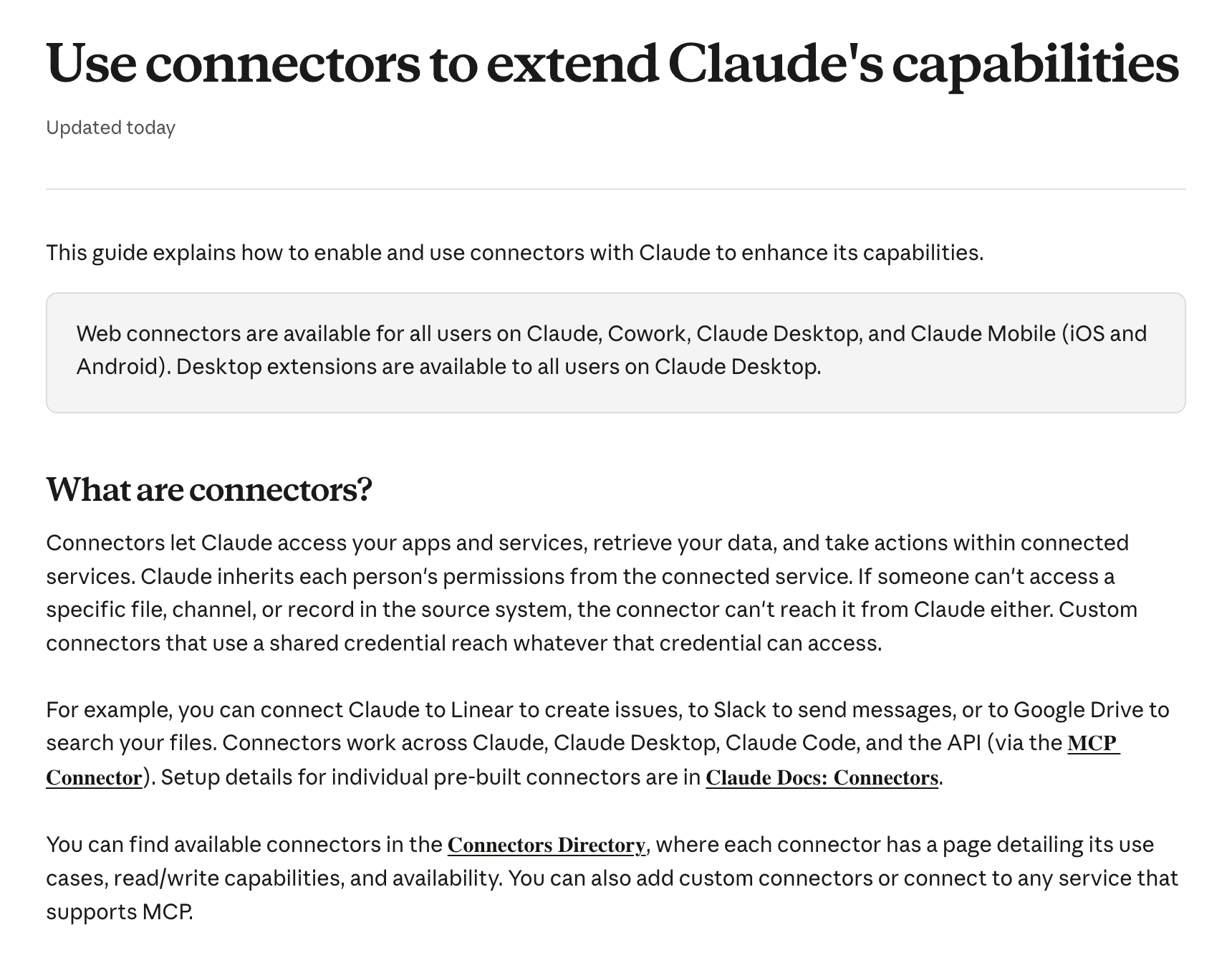
The thirty kit skills: draft and analyse when you invoke them (letters, prep, exports). They do not run your cycle or inbox in the background.
Claude surface
Connectors
In a nutshell
Live link
What it is
Links to your tools (Slack, Drive, Gmail, Notion, HRIS, ATS)
Use it for, as a people leader
Reading the handbook, searching Slack, pulling exports, drafting replies in place.
Claude surface
Artifacts and docs
In a nutshell
Shareable doc
What it is
Shareable pages, docs, sheets, dashboards
Use it for, as a people leader
Policy Q&A pages, onboarding plans, metrics dashboards, survey readouts others can open and reuse.
Claude surface
Cowork
In a nutshell
Background task
What it is
Claude working on files and tasks for you, on your computer or in the cloud
Use it for, as a people leader
Longer jobs: analysing a survey export, building a comp sheet, tidying a folder of policies.
Claude surface
Scheduled tasks
In a nutshell
Timed automation
What it is
Cowork jobs that run on a timetable
Use it for, as a people leader
Optional: repeat a prompt you wrote (triage, joiner prep) when connectors or pasted exports are part of the prompt. Not a substitute for your HR tool.
Claude surface
Claude in Chrome
In a nutshell
Browser assist
What it is
Claude driving your browser
Use it for, as a people leader
Tools with no connector: an old HRIS, a benefits portal, a job board.
Claude surface
Memory
In a nutshell
Your defaults
What it is
What Claude remembers about you across chats
Use it for, as a people leader
Your preferences and standing context. Keep employee details out of it.
Claude surface
Chat
In a nutshell
Quick thread
What it is
A single conversation
Use it for, as a people leader
One question, one draft, when nothing else is set up yet.
| Claude surface | In a nutshell | What it is | Use it for, as a people leader |
|---|---|---|---|
| Projects | Job folder | A workspace with its own instructions and knowledge files | Context file, voice guide, handbook, active review tracker, ER case files. Long-running work lives here; skills handle each draft turn. |
| Skills | Saved playbook | Saved instructions Claude loads when a task matches | The thirty kit skills: draft and analyse when you invoke them (letters, prep, exports). They do not run your cycle or inbox in the background. |
| Connectors | Live link | Links to your tools (Slack, Drive, Gmail, Notion, HRIS, ATS) | Reading the handbook, searching Slack, pulling exports, drafting replies in place. |
| Artifacts and docs | Shareable doc | Shareable pages, docs, sheets, dashboards | Policy Q&A pages, onboarding plans, metrics dashboards, survey readouts others can open and reuse. |
| Cowork | Background task | Claude working on files and tasks for you, on your computer or in the cloud | Longer jobs: analysing a survey export, building a comp sheet, tidying a folder of policies. |
| Scheduled tasks | Timed automation | Cowork jobs that run on a timetable | Optional: repeat a prompt you wrote (triage, joiner prep) when connectors or pasted exports are part of the prompt. Not a substitute for your HR tool. |
| Claude in Chrome | Browser assist | Claude driving your browser | Tools with no connector: an old HRIS, a benefits portal, a job board. |
| Memory | Your defaults | What Claude remembers about you across chats | Your preferences and standing context. Keep employee details out of it. |
| Chat | Quick thread | A single conversation | One question, one draft, when nothing else is set up yet. |
If you have explained something to Claude twice, it belongs in the project or a skill. If you have done a task three times, it is probably a scheduled task.
Three buckets of work
Every use of Claude falls into one of three buckets. Most people stay in the first. Time savings grow as you move right.
| Bucket | What it is | Where it lives | People-team examples | Who benefits |
|---|---|---|---|---|
| Everyday work | You and Claude, on your own tasks | Projects, skills, chat | Drafting a policy in company voice, prepping a hard conversation, writing a review | You |
| Internal tools | Something you build that other people use | Artifacts, docs, shared skills | A handbook Q&A page, an interview kit builder, a manager 1:1 prep tool | Your managers and employees |
| Automations | Multi-step jobs across tools, attended or on a schedule | Scheduled tasks, Cowork, connectors | Morning inbox triage, Monday joiner prep from the HRIS, survey export to themed Slack digest | The whole people operation |
A good first target for each: one skill you use daily, one tool your managers use weekly, one scheduled task that saves you an hour every Monday.
Account and plan
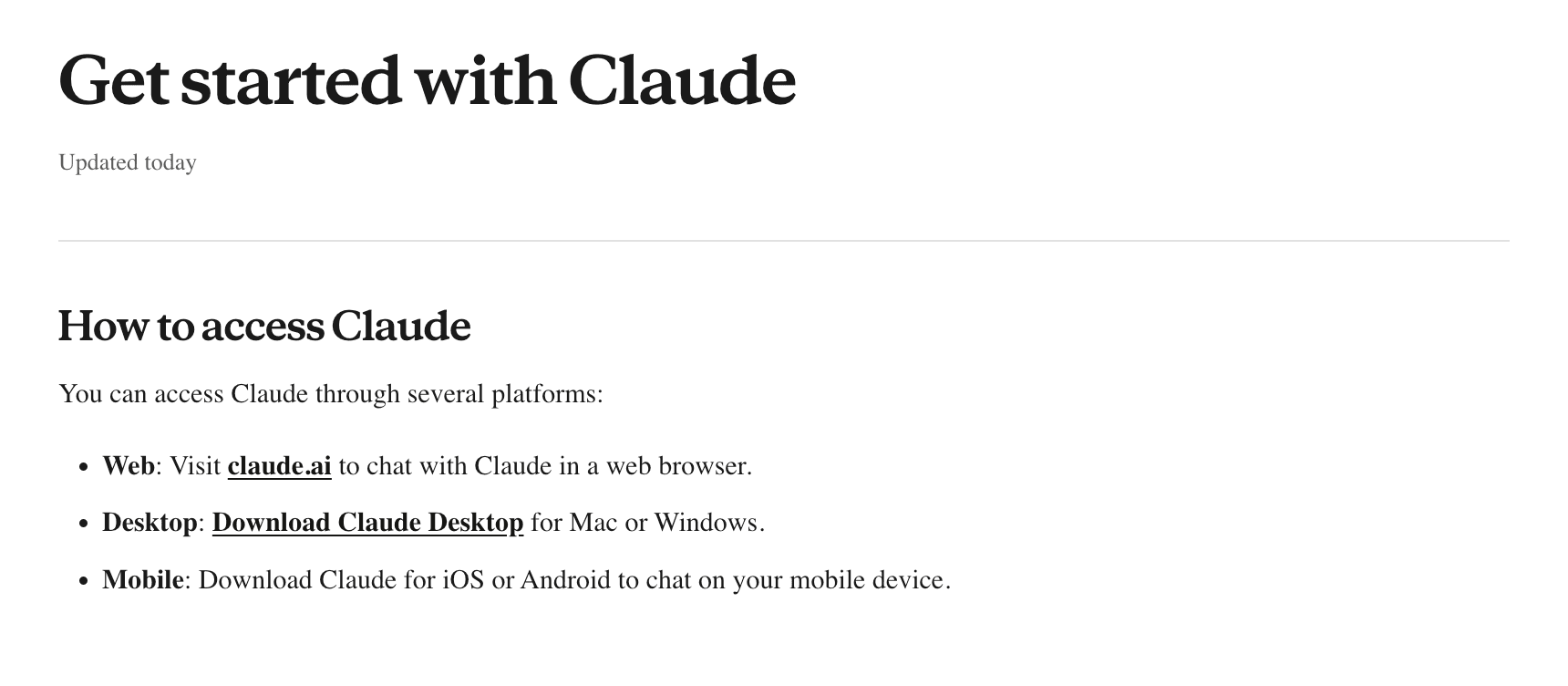
Open claude.ai and create an account. Install the desktop app from claude.com/download before Cowork or local folders.
For people data at work, confirm Team or Enterprise meets your policy (training use, admin controls, connector approval). Cowork and scheduled tasks need a paid plan on most accounts.
First week setup
About four hours spread over a week gets you from blank to useful. Do it in this order. When you install skills, copy them from the Claude Skills Kit directory.
- 1
Day 1
Personal settings (about 20 minutes). Write your preferences: role, company, answer length, tone, UK or US English, currency. Say what you never want, such as corporate jargon or long preambles.
- 1
Day 1
Install the kit (about 10 minutes). Copy people-context-setup and company-voice from the Claude Skills Kit directory into Claude as skills. Confirm they appear in your skills list.
- 2
Day 2
Build your context file (about 45 minutes). Run people-context-setup. Give it the handbook, an org chart or HRIS export and your current people priorities. Fix anything marked "(check)".
- 2
Day 2
Build your voice guide (about 45 minutes). Run company-voice with 8 to 15 real founder or company messages, plus two you dislike.
- 3
Day 3
Create the People team project (about 20 minutes). Add context, voice, handbook, career framework and pay bands if appropriate. Use the project instructions from this page.
- 3
Day 3
Connect your tools (about 30 minutes). Start with Slack, Drive or Notion, and email. Add HRIS and ATS if connectors exist for your stack.
- 4
Day 4
Try three skills on real work (about 60 minutes). Good first picks: people-ops-triage, policy-desk, manager-coach.
- 5
Day 5
Set up one scheduled task (about 20 minutes). Morning triage before your first meeting is the easiest win.
After week one, add a skill a week as the work comes up. Do not try to adopt all thirty at once.
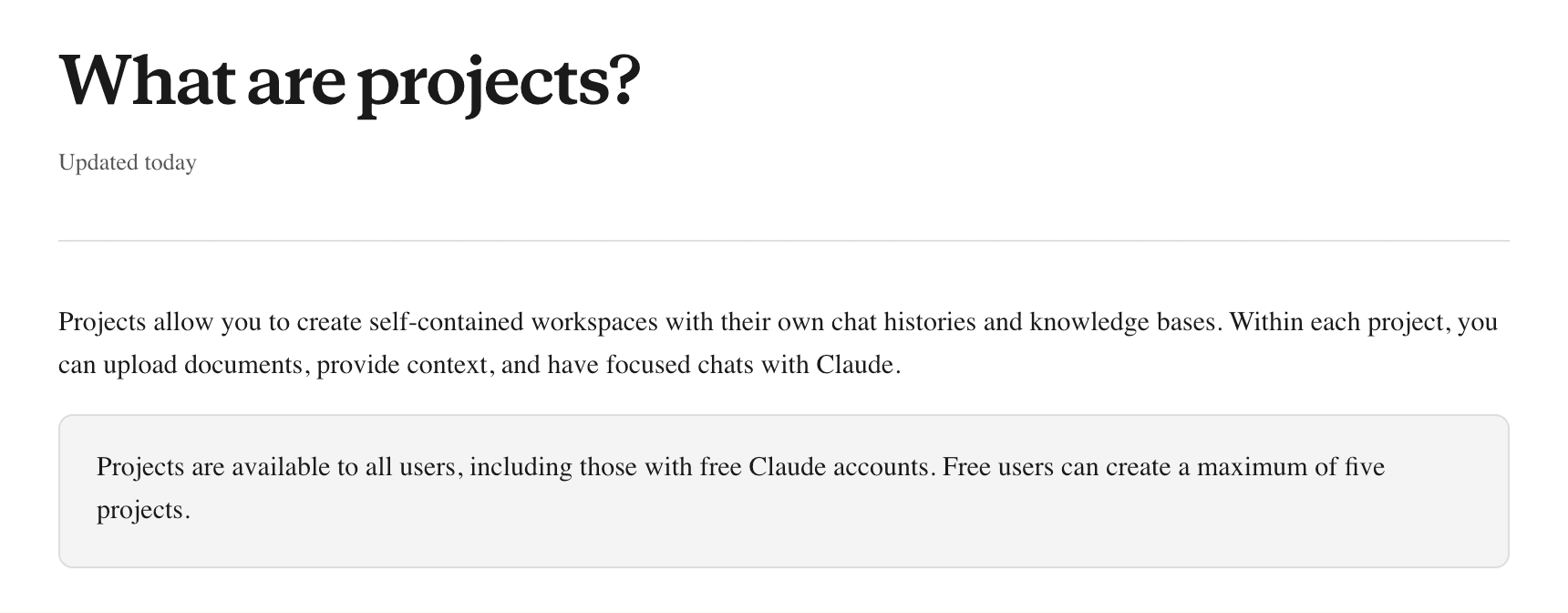
People team project
Create one People team project on claude.ai. Add an optional Pay and headcount project if bands should stay separate.
A project on claude.ai
Lives in your Claude account. Holds files, instructions, and chats for one job. On Team you can share it. Create your People team project here.
A project in Cowork
Lives on your computer with local folders. Separate from a claude.ai project. Use when the job finishes as files on disk.
A project in Claude Code
For building tools in the cloud or in your editor. Skip for everyday people drafting.
People team
One shared workspace for context, voice, handbook and frameworks. Most kit skills expect people-context.md and company-voice.md to exist.
Files to add
- people-context.md (from the people-context-setup skill)
- company-voice.md (from the company-voice skill)
- Employee handbook and key policies
- Career framework and levelling notes
- Pay bands only if you are comfortable storing them here (otherwise use the optional Pay project)
People team instructions
Read people-context.md and company-voice.md before any task.

Drafts only. No names next to sensitive detail in outputs.

Quote handbook sections when answering policy. Do not invent pay figures.
Pay and headcount (optional)
Keep bands and headcount plans separate when you want tighter access control than the main People team project.
Files to add
- Current bands (roles and levels, names removed if you prefer)
- Approved headcount plan
- Levelling framework used for pay decisions
Pay and headcount (optional) instructions
Treat every file in this project as confidential.

Compare offers and current pay to the bands in these files. Do not recommend a final salary. I decide pay.

If a figure is not in the files, say it is missing.
Profile instructions (every chat)
I lead People at a startup. We are about [headcount] people, at [stage], working [remote, hybrid, or office-based].

Write in plain English. Be specific. Give me a draft I can edit.

Never decide who we hire, what we pay, or the rating in a performance review. Flag assumptions. If a number is not in the files I gave you, say it is missing.

Our tone with candidates and employees is warm, direct, and short.
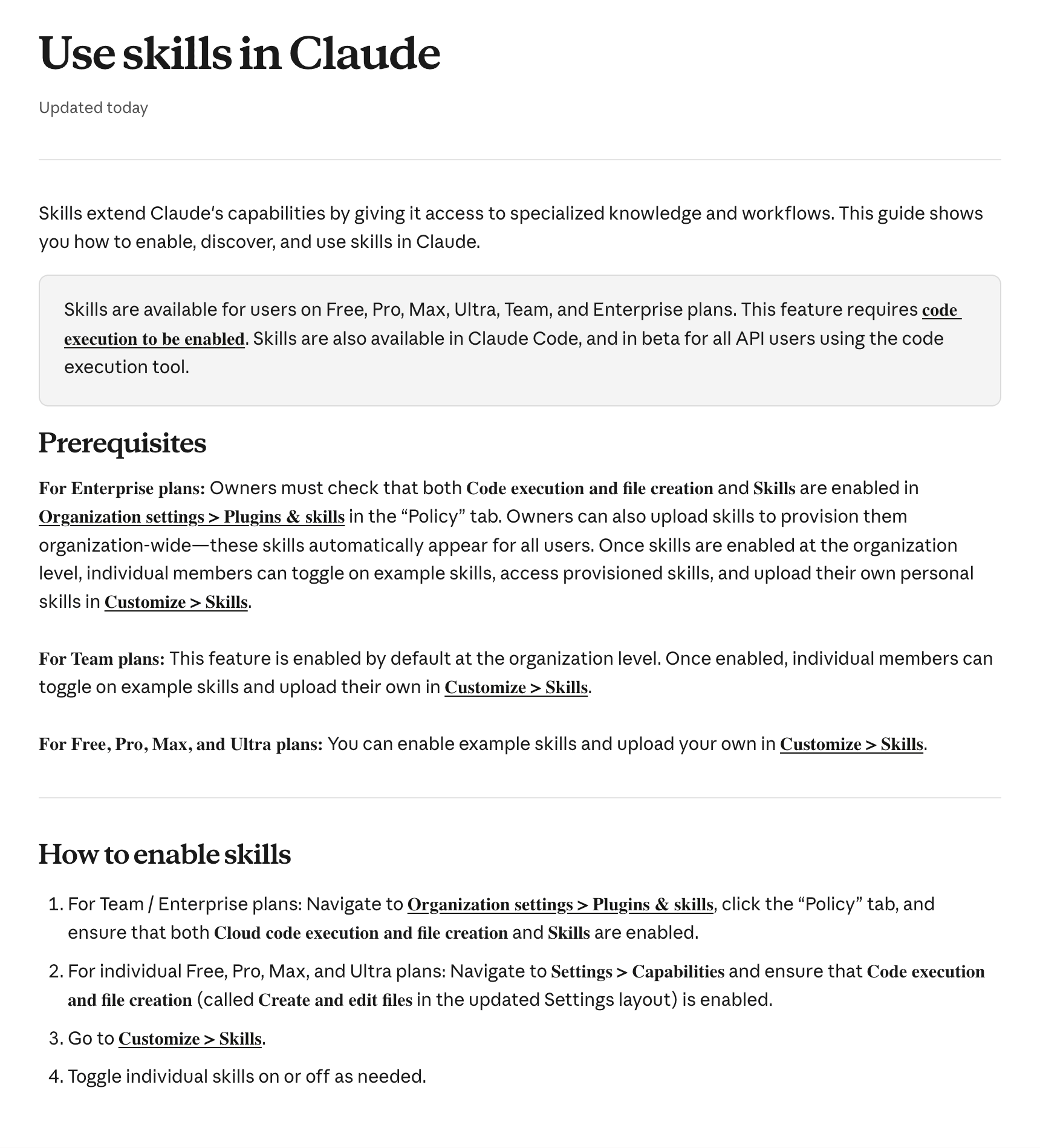
Connectors for a people team
Connect what you check daily first. Each connector removes a copy and paste step.
| Priority | Tool type | Common examples | What it lets the kit do |
|---|---|---|---|
| 1 | Team chat | Slack, Microsoft Teams | Inbox triage, finding voice samples, drafting announcements and replies |
| 1 | Docs and files | Google Drive, Notion, Confluence, SharePoint | Policy answers from the real handbook, reading frameworks and past reviews |
| 1 | Email and calendar | Gmail, Outlook | Triage, interview scheduling context, meeting audits |
| 2 | HRIS | HiBob, Personio, Rippling, BambooHR, Deel | Headcount, joiners, leavers and org data for metrics, onboarding and org design |
| 2 | ATS | Ashby, Greenhouse, Lever, Workable, Teamtailor | Pipeline status, scorecards for debriefs, offer data |
| 3 | Surveys | Typeform, Culture Amp, Lattice, Google Forms | Pulling survey results straight into analysis |
| 3 | Scheduling and automation | Calendly, n8n, Zapier | Triggers for automations, such as a booked 1:1 kicking off prep |
Where no connector exists, export a CSV and attach it, or use Claude in Chrome on the tool web app. Ask IT or security to approve connectors before you add HRIS or payroll systems.
- Payroll and HRIS until you have an explicit approval and a business plan that meets your data policy
- Performance tools until you deliberately run a cycle through Claude
Claude Skills Kit
Thirty skills, one per recurring job: draft letters, prep meetings, analyse exports when you ask. They do not run your review cycle or read Slack unless you bring the content. Copy each skill text from the directory into Claude. Describe the job and the matching skill loads when it is on.
Multi-month work (an active review cycle, a restructure) belongs in a People Project with the tracker and handbook attached; use skills for each comms draft or analysis step.
Open the Claude Skills Kit directory
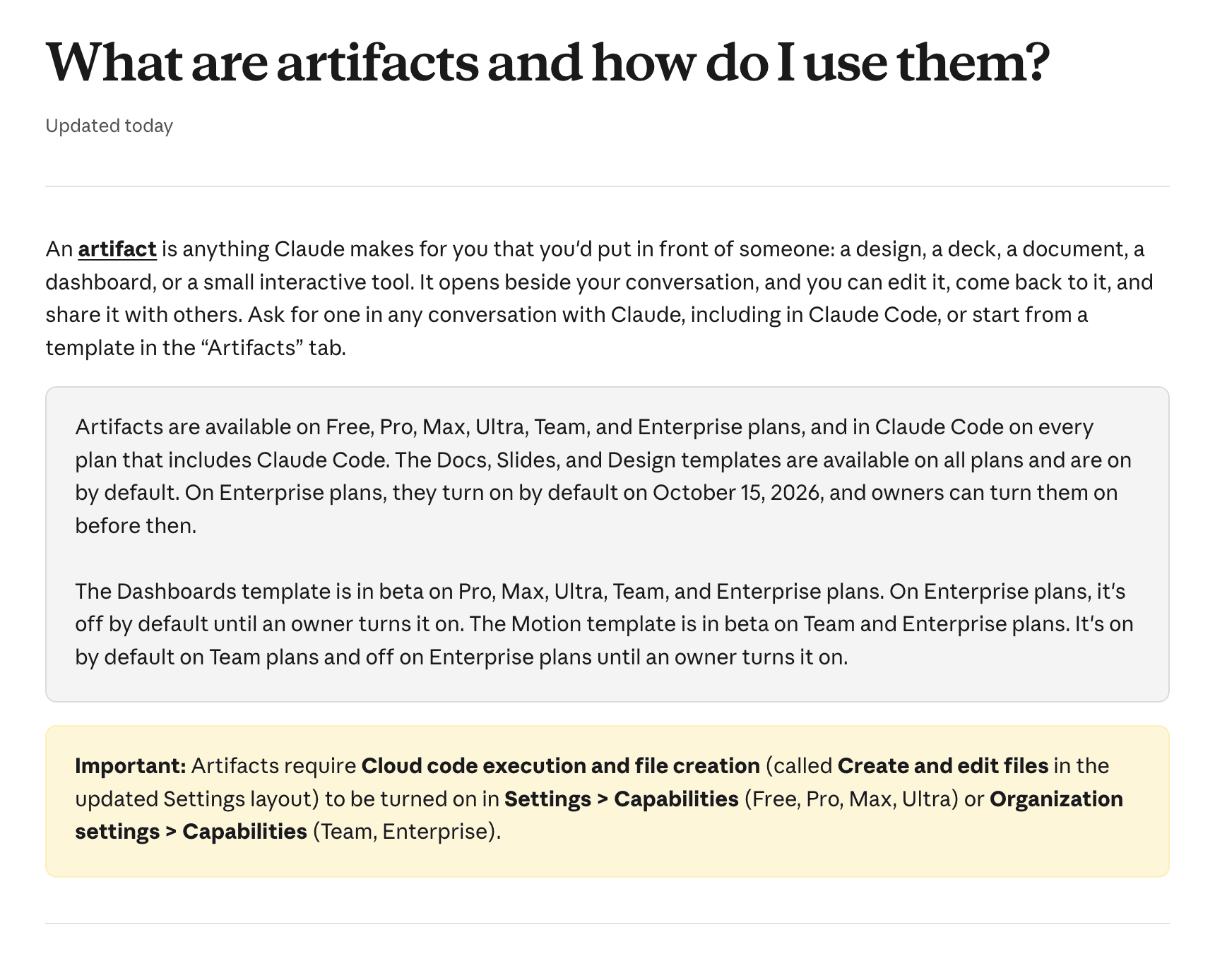
Artifacts and docs
Ask for an artifact when someone else will read or edit the result.
- An offer draft someone in finance will comment on
- An interview scorecard the panel will fill in
- A 30, 60, and 90 day plan the manager will edit
- A short board update on headcount and open roles
Cowork
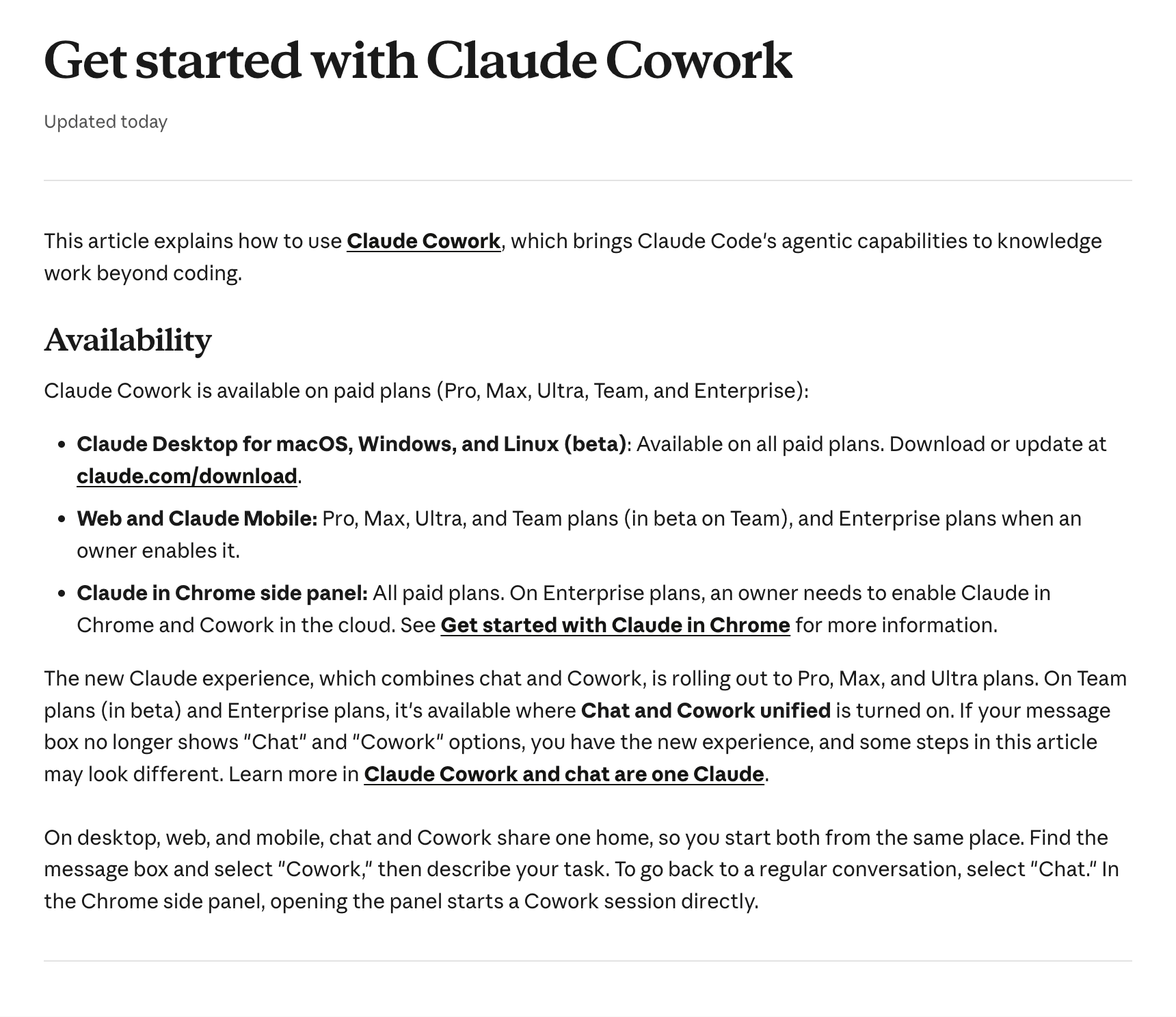
Use Cowork when the job has several steps and ends as a file you open later.
Cowork brief
Using the spreadsheet in this folder, draft a one-page people update for the board: headcount, open roles, regretted attrition, and three decisions we need to make.

If a number is not in the sheet, leave it blank. Do not estimate.

Save the update as a document in this folder.
Scheduled tasks
Optional: a scheduled Cowork task can repeat a triage or prep prompt before your first meeting. You still need connectors or to paste exports in the prompt. Keep it self-contained: sources, time window, drafts only, never send.
Claude in Chrome
When there is no connector, Claude in Chrome can work inside a web app: legacy HRIS, benefits portals, job boards. Export CSV when that is safer than browser automation.
Claude Code
For custom tools (models with formulas, internal trackers). Skip for everyday drafting, policy and interviews unless you already live in a code editor.
Where an instruction lives
When you keep pasting the same note into a new chat, walk this once.
Data and safety
- Check your plan first. Use a business plan (Team or Enterprise) where your data is not used for training and admins control connectors. Confirm with whoever owns your Claude account before you upload salaries or ER notes.
- Minimum necessary. Give Claude what the task needs. Use IDs or initials for pay analysis, calibration and ER work.
- No names next to sensitive detail in anything shared. Health, performance, pay, disciplinary and leaver reasons stay out of shared docs, packs and channels.
- Groups under five are never reported on their own. Small groups identify people.
- Drafts only. Claude never sends anything to employees on its own. A person reads it and sends it.
- Humans make people decisions. Claude can prepare hiring, pay, performance and dismissal decisions. A named person makes them and understands the inputs.
- Legal figures get verified. Statutory numbers, thresholds and country rules are marked "verify". Claude is not your employment lawyer.
- Keep employees out of memory. Memory is for your own preferences. Case details belong in a restricted case file.
- ER cases stay contained. Restricted folders, no Slack, no shared projects.
A week with Claude (reference)
Typical week for a Head of People at a remote company once the kit is set up. Claude drafts and sorts. You do the conversations and calls.
| When | The moment | What Claude does | Skill |
|---|---|---|---|
| Mon 08:30 | Inbox from the weekend | Scheduled triage: items sorted, a few flagged for today, draft replies ready to check | people-ops-triage |
| Mon 09:00 | Two joiners start next week | HRIS check, pre-start checklists and welcome messages drafted | remote-onboarding |
| Mon 14:00 | Manager DM about missed deadlines | Quick read, next step, prep pack and short roleplay before the conversation | manager-coach |
| Tue | New role for the data team | Intake to hiring manager, then brief, scorecard and advert | role-brief, interview-loop |
| Tue | Candidate wants to stay in Portugal | Entity, EOR or contractor view with a verify list | global-employment-check |
| Wed | Quarterly pulse closed | Export analysed, themes with traceable counts, leadership readout drafted | survey-analysis |
| Wed | Same policy question again | Pattern noted, FAQ entry and clearer policy wording drafted | policy-desk |
| Thu | Grievance about a manager | Case log, acknowledgement, investigation plan. You make the calls. | er-case-manager |
| Thu | Final round debrief | Scorecards mapped to competencies, bias signals flagged, decision memo | hiring-debrief |
| Fri | Leadership meeting prep | Monthly metrics pack plus survey close-the-loop message in company voice | people-metrics, announcement-writer |
What stays with you: every conversation with an employee, every decision about a person, anything legal, and the final word on anything sent.
Habits that get better output (reference)
- Give the situation, not just the task. Headcount, countries, budget and stage change the output.
- Hand over the real material: the old policy, the export, the Slack thread, the notes.
- Say who will read it: the board, all managers, one upset employee.
- Ask for the challenge first: "Before you write, tell me what is weak about this brief."
- Give short, specific feedback. "Shorter, lead with the date" beats "make it better."
- Rehearse hard conversations. Ask Claude to play the other person.
- Save what you repeat. Explained twice? Project or skill. Done three times? Scheduled task.
- Check the numbers trail. Ask how a figure was calculated.
Measuring value (reference)
| Measure | How to capture it | When |
|---|---|---|
| Hours saved per workflow | Shared log: task, minutes before, minutes now, times per month | Weekly, 2 minutes |
| Confidence | Your own 1 to 10, and your team's | Start, then every quarter |
| Work that was not happening before | Exit themes analysed, manager packs produced, policies readable | Monthly |
| Speed on what matters | Time to hire, ER case length, survey close to readout | From your people metrics |
| Reuse | Skills and scheduled tasks others on the team use | Quarterly |
Report the honest number. A credible "six hours a week back, spent on manager coaching" persuades leadership. An inflated multiplier does not.
Where to go next
Add one skill, then see how other People teams have put AI to work.
Claude for people leaders, by Open Org. Screenshots are from the Claude help centre. Suggest an addition at hello@openorg.fyi.